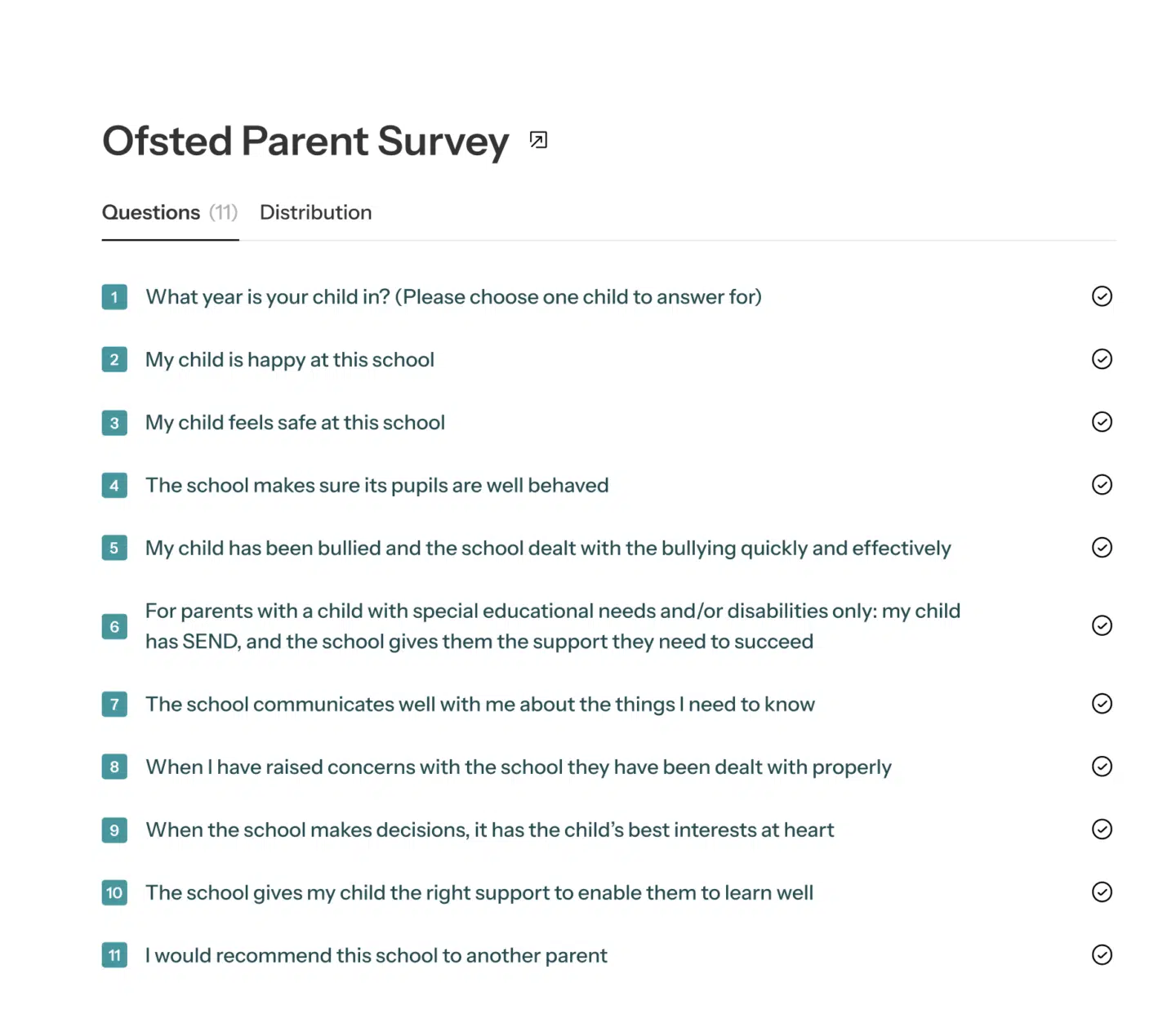
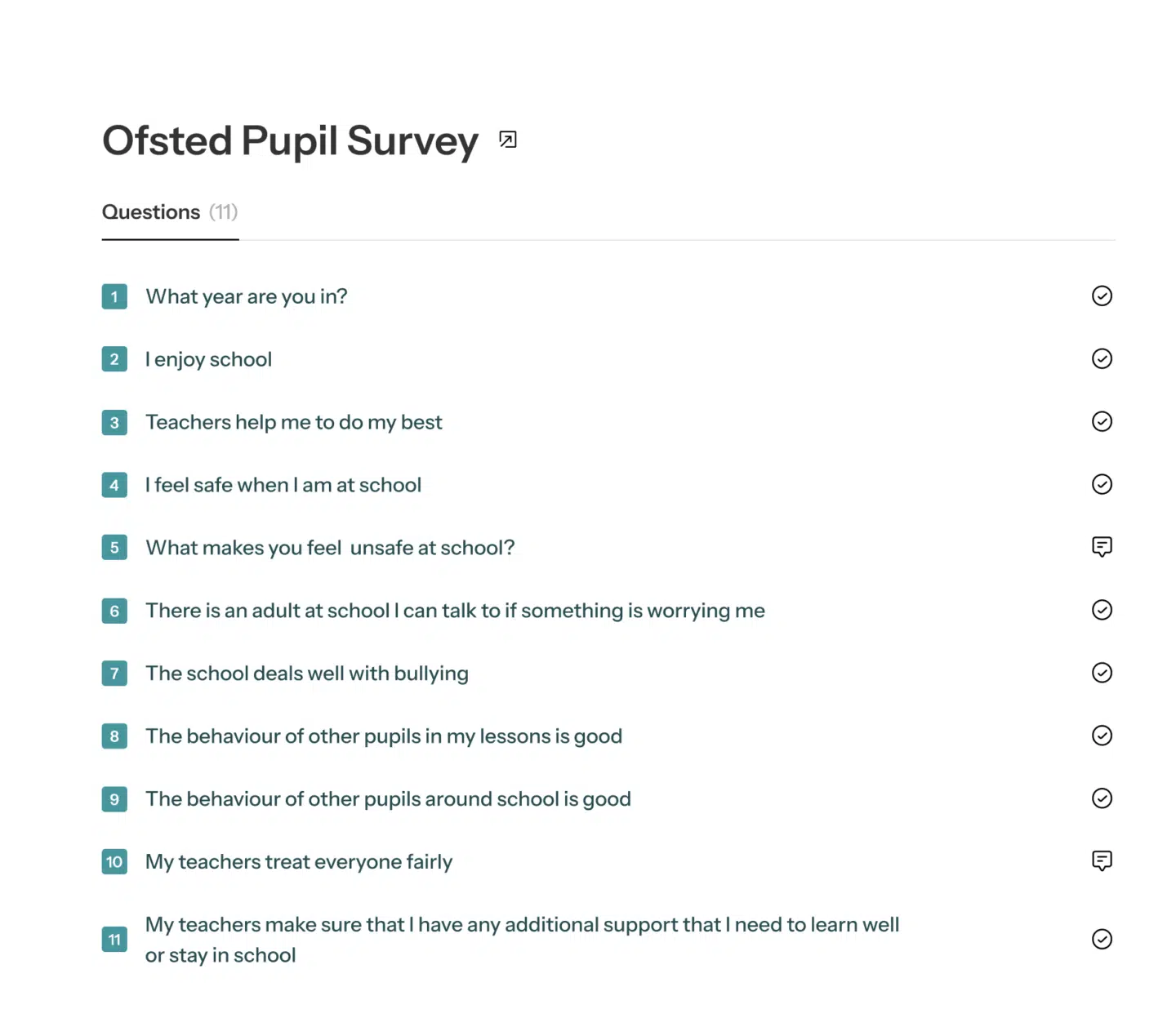
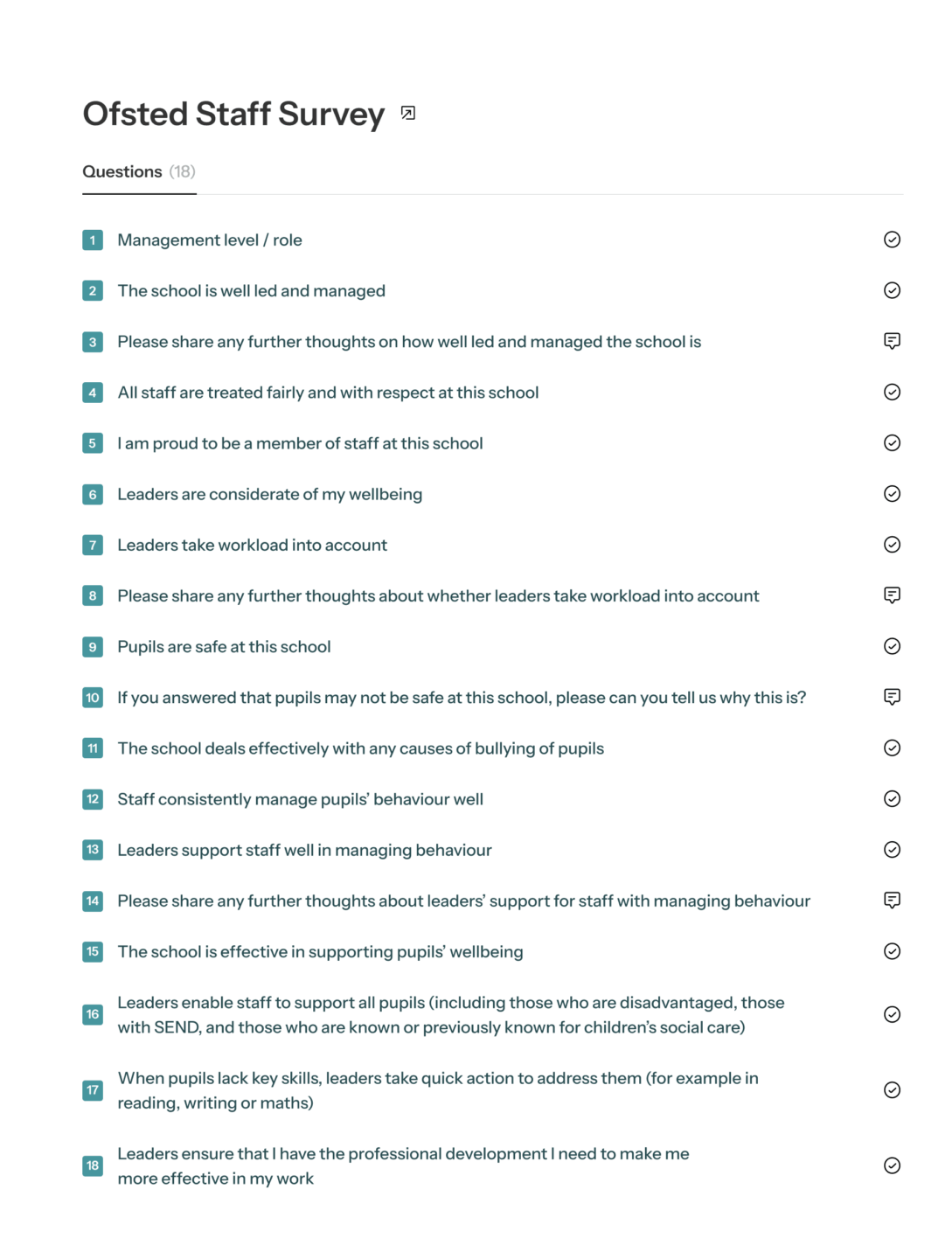
Changing the question order
Once you have chosen the questions for your staff, pupil and parent surveys, you are able to change the order in which questions will appear to your respondents.
Once you have created your survey in the portal, you will see the survey summary page. You can simply click the question you want to move and drag it to the desired position.
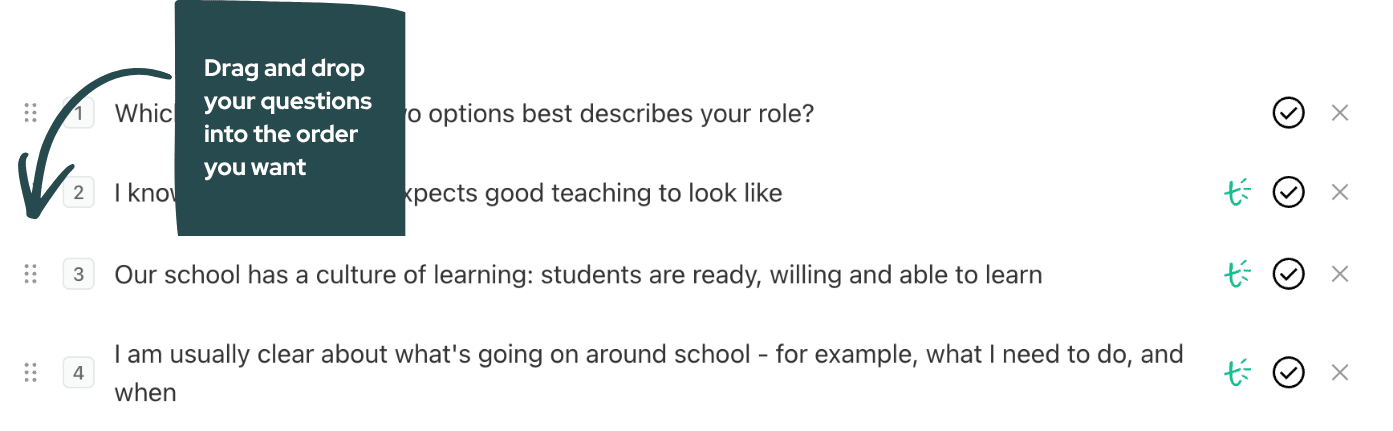
Any edits you make are autosaved, so you will find them in the new order if navigate away from the page.
Please note: You can change the order of the questions at any point before the survey opens but not afterwards.
If you still need help, please get in touch at help@schoolsurveys.com, call us on 0330 043 4469 or book a call for a time that suits you, and our team will be more than happy to help.